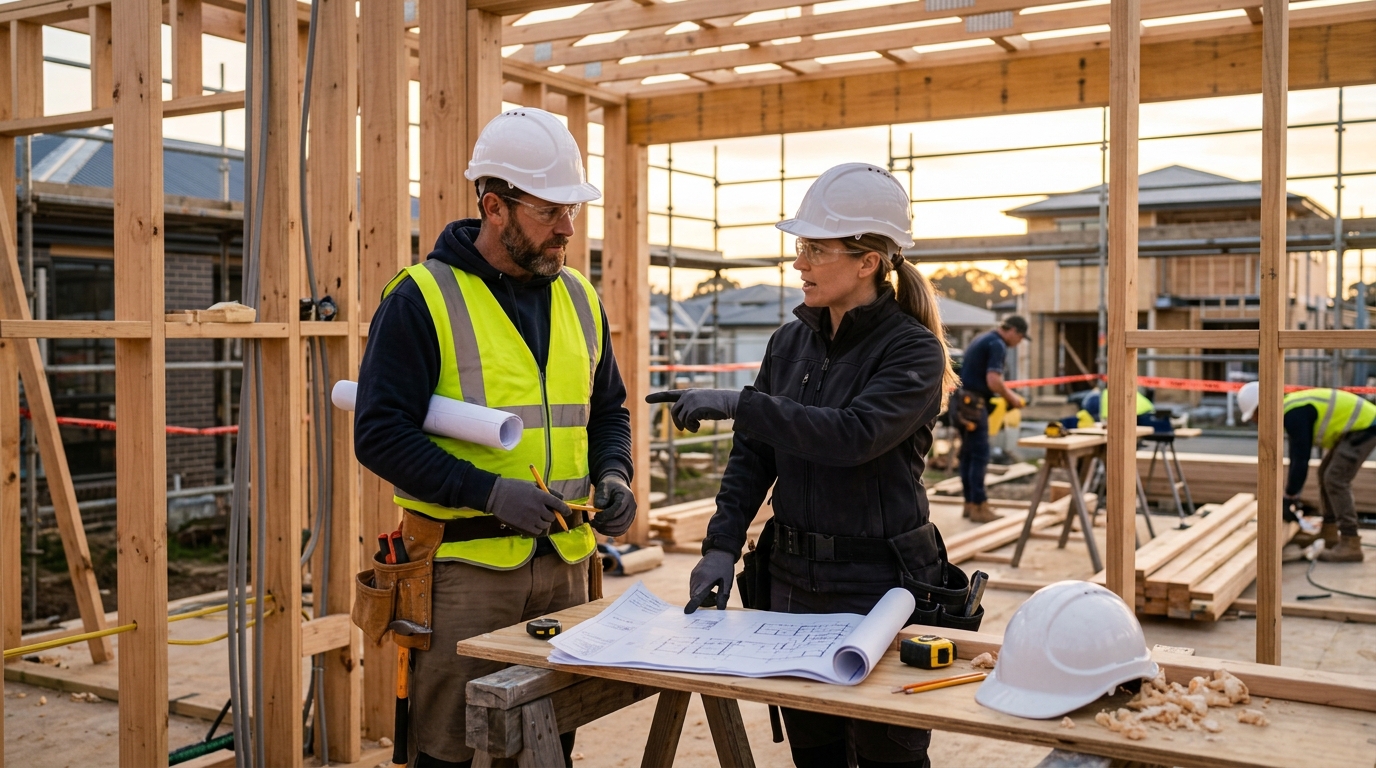
Big jobs take more than one crew
Starting today, ConstructHelp lets contractors hire licensed subcontractors — not just workers. And it works both ways: you can win sub work on someone else's project while running your own crew of subs underneath you.
Who can apply? You decide
When you post a job, pick who it's open to: Workers, Subcontractors, or Both. Sub-friendly jobs get an orange badge on the job board so licensed contractors spot them instantly. Applications, messaging, hiring, and reviews all work exactly like they do for workers — nothing new to learn.
Work both sides at once
Won a framing package as a sub, but need your own electrical and drywall subs to deliver it? No problem. Post your own job, mark it "Part of a project you're subbing on," and it links to the parent project. GC → sub → sub-sub — the whole chain stays organized, and every job page shows which project it belongs to.
Your Subcontracting hub
Your contractor dashboard now has a Subcontracting card with two views: My Subs (everyone working under you, with application status and rates) and Jobs I'm Subbing On (your active sub work). One glance, full picture.
Find subs directly
Don't want to wait for applications? The Find Workers page now has a Subcontractors toggle — browse licensed contractors by trade and city, check their ratings, and message them directly.
How to get started
- Post a job and set "Who can apply?" to Subcontractors or Both
- Review applications — subs show their company, rate, and track record
- Accept, message, and manage them like any hire